Made for Podcasts
Intros, ad reads and outros, word for word.
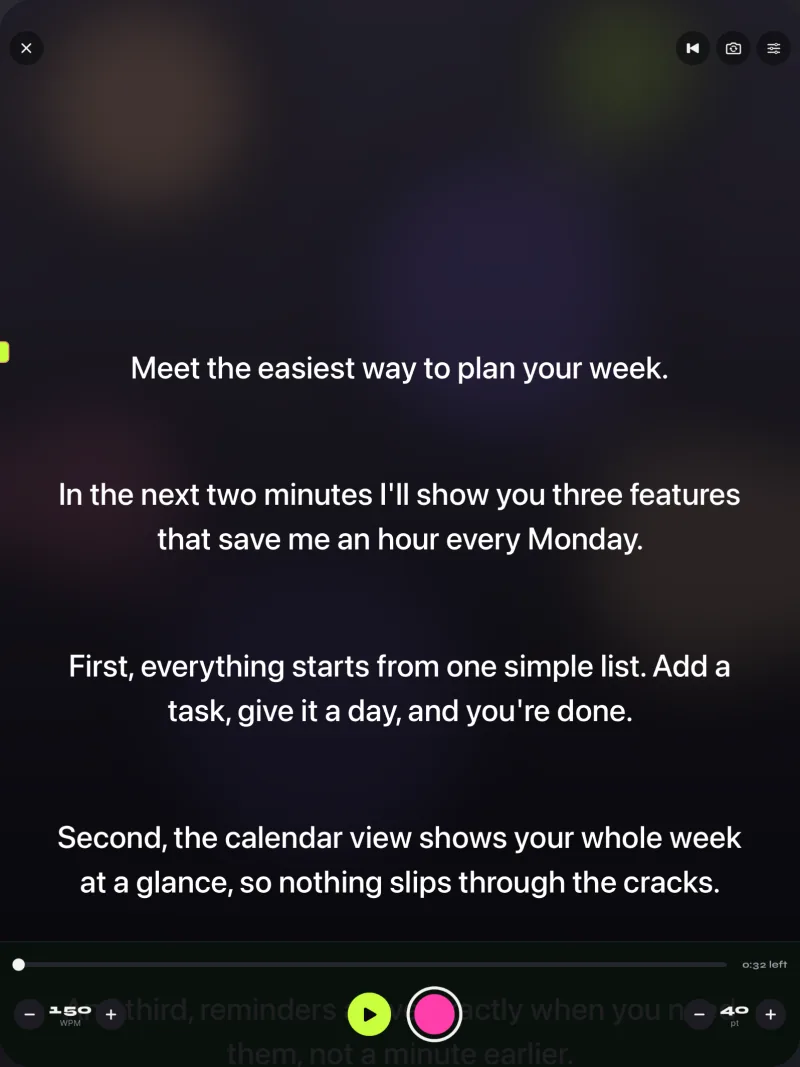
Most of a podcast is free talk. The parts that must be exact, like the intro, the sponsor read and the call to action, go in a script that scrolls where you can see it.
How to
Read the exact parts. Talk freely for the rest.
- Keep one script per segmentAn intro, each sponsor read, an outro. Mark the ones you use every week as favorites.
- Prompt only, if another camera filmsPrompt-only mode shows the scrolling text with the camera off. Put the iPad or iPhone next to your main camera.
- Or record the segment right in the appUse the front camera and keep each read as its own take in Recordings.
- Check the length before you readThe editor shows how long the script takes at your speed, which helps with timed sponsor slots.
Settings to try
A starting point for a podcast desk.
A Bluetooth page turner or keyboard can pause and step through the script with Pro. Split layouts put the script above or below the camera image. Compare plans.
- ModePrompt only, or record
- DeviceiPad on a stand, or iPhone
- SpeedYour normal talking pace
- ThemeClassic or Paper (free)
Look at the lens. Read every word.
Free to download for iPhone and iPad. Pro is optional.
Download on the App Store
Free download. No account needed.