Made for Interviews
Questions in view. Eyes on your guest.
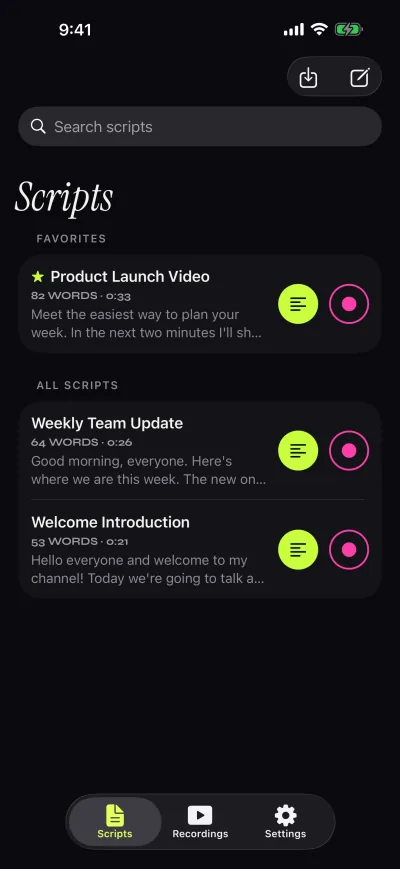
Write your questions as a script. They sit on screen in large type, so you can glance at the next one without picking up a phone or a card.
How to
Prepare once, ask naturally.
- One question per paragraphLeave a blank line between questions so each one stands on its own.
- Pause the scrollPause with the play button while your guest answers, then continue to the next question.
- Step with a page turnerWith Pro, a Bluetooth page turner moves forward a page or a line without touching the screen.
- Film with either cameraRecord yourself with the front camera, or point the back camera at your guest while your questions stay on screen.
Settings to try
A starting point for an interview.
Free takes stop at 1:00, so longer recorded interviews need Pro. Prompt-only mode has no time limit. Compare plans.
- SpeedSlow, or paused between questions
- Text alignmentStart-aligned
- CameraFront or back
- ModePrompt only if a separate camera films
Keys Pro
- Space ReturnPlay or pause
- ↑ ←Back one line
- ↓ →Forward one line
- PgUp PgDnBack or forward one page
- + -Faster or slower
- RBack to the start
- EscClose the prompter
Look at the lens. Read every word.
Free to download for iPhone and iPad. Pro is optional.
Download on the App Store
Free download. No account needed.